
    All integrations
    • Scribe
    • Receptionist
    Opus Dental

    Connect Opus Dental to Dentio: take the load off reception and simplify clinical notes with AI

    With Dentio connected to Opus Dental, you get AI support at reception and in the treatment room. The AI receptionist answers patient calls and books, reschedules and cancels appointments directly in the appointment book, so your team can focus on the patients in the clinic. During the visit, Dentio creates a draft clinical note that you review and approve before it is sent straight to Opus Dental.

    Dentio Ambient Scribe: from patient conversation to clinical notes in Opus Dental

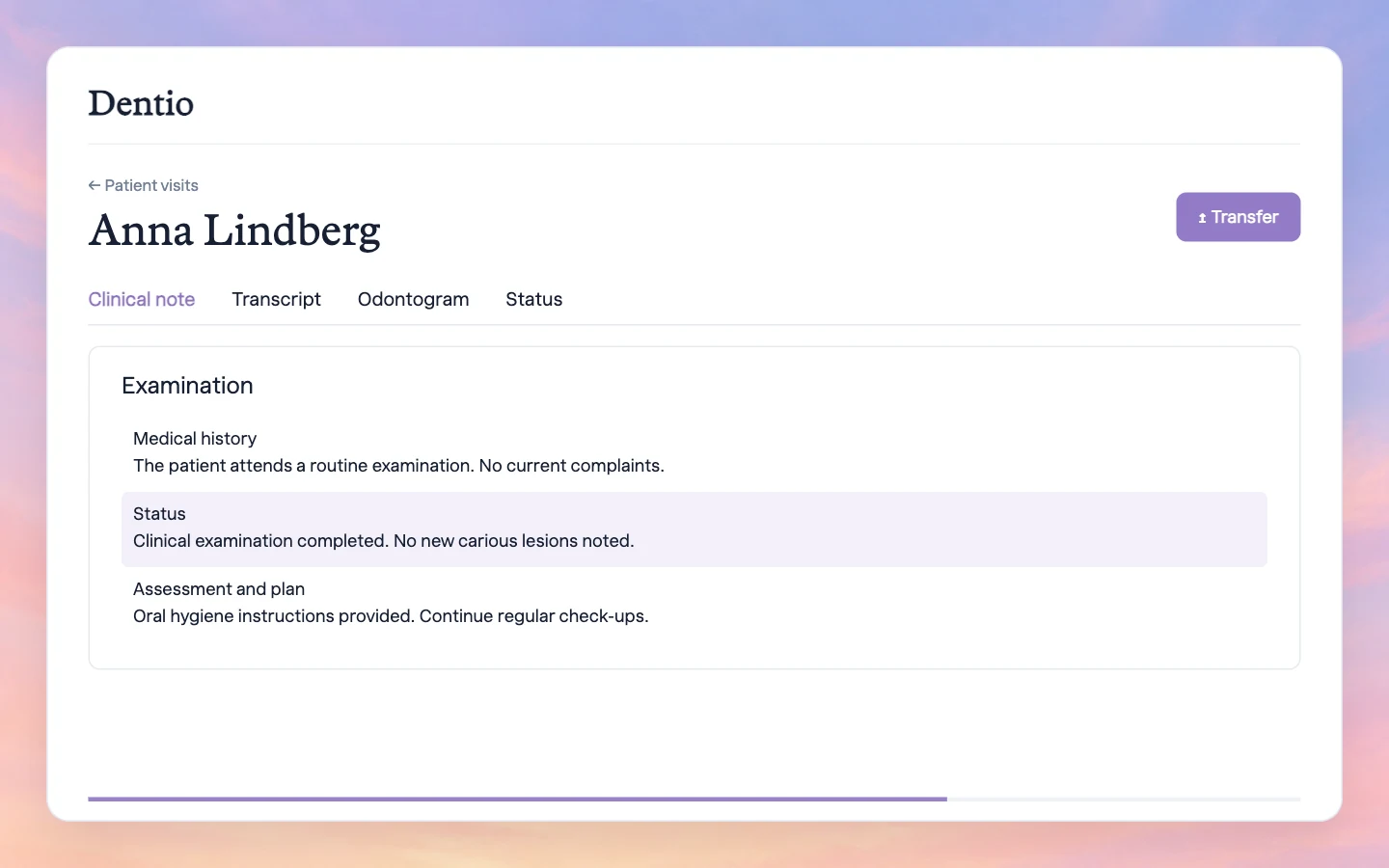
    Pull your patient visits straight from the appointment book, record the conversation using your own templates and review the draft in Dentio. Then transfer everything directly to the patient’s record in Opus Dental.

    • Import from the appointment book: bring today’s Opus Dental visits into Dentio with one click.
    • Record and review: the conversation becomes a structured draft note based on your templates, which you then review and approve.
    • Export to the patient record: with one click, transfer patient status, periodontal charting and day notes to the patient’s record in Opus Dental.
    Dentio AI Receptionist: handles bookings directly in Opus Dental

    Dentio’s AI receptionist answers patient calls in a natural voice and understands different accents and languages. It books, reschedules and cancels appointments directly in the Opus Dental appointment book, based on your clinic’s availability and rules. Patients get answers to practical questions from your clinic’s information, and in Dentio you can see the outcome of every call and whether anything needs follow-up.

    • No missed calls: every call is answered, even after hours and when reception is busy.
    • Books directly in Opus Dental: books, reschedules and cancels appointments in the appointment book.
    • Tailored to your clinic: choose which clinicians, appointment types and patient types Dentio may book, and set cancellation rules to match your routines.

    Set up the Opus connection

    Dentio is an official Opus Dental integration partner, and the connection usually takes just a few minutes to set up for supported clinics. Tell us your Opus version and whether you need Ambient Scribe, AI Receptionist or both. We confirm compatibility and help you activate the connection.

    Common questions

    Which connections can be enabled for our clinic?

    Availability depends on your Opus version and setup. Contact us to confirm which connections can be enabled for your clinic.

    Can I use Scribe without a direct connection?

    Yes. You can draft and review notes in Dentio, then copy them into Opus. Direct transfer requires the integration to be enabled for your clinic.

    How is the AI receptionist set up for our clinic?

    We go through your appointment types, bookable times and the questions the AI receptionist should answer. Your clinic decides when calls go to Dentio, for example outside opening hours or after your team has had a chance to answer, and which matters need to be handled by a person. Contact Dentio if you have any questions about the settings.

    Does the AI receptionist sound like a human?

    The AI receptionist speaks in a natural voice and understands different accents and languages. Hear it for yourself and try it out at receptionist.dentio.com.

    Where can I review Dentio’s security information?

    Visit our Trust Center for information about security and data protection, including how to request supporting documentation.

    Visit the Trust Center